Adobe Premiere Pro
Edit faster and more intuitively with the newest AI-powered tools in Premiere (beta). Instantly mask objects across every frame with Object Mask, magically extend clips to perfect your timing, search hours of footage in seconds, and auto-translate your captions with ease. The latest innovations in Premiere help you move through your edits at top speed.
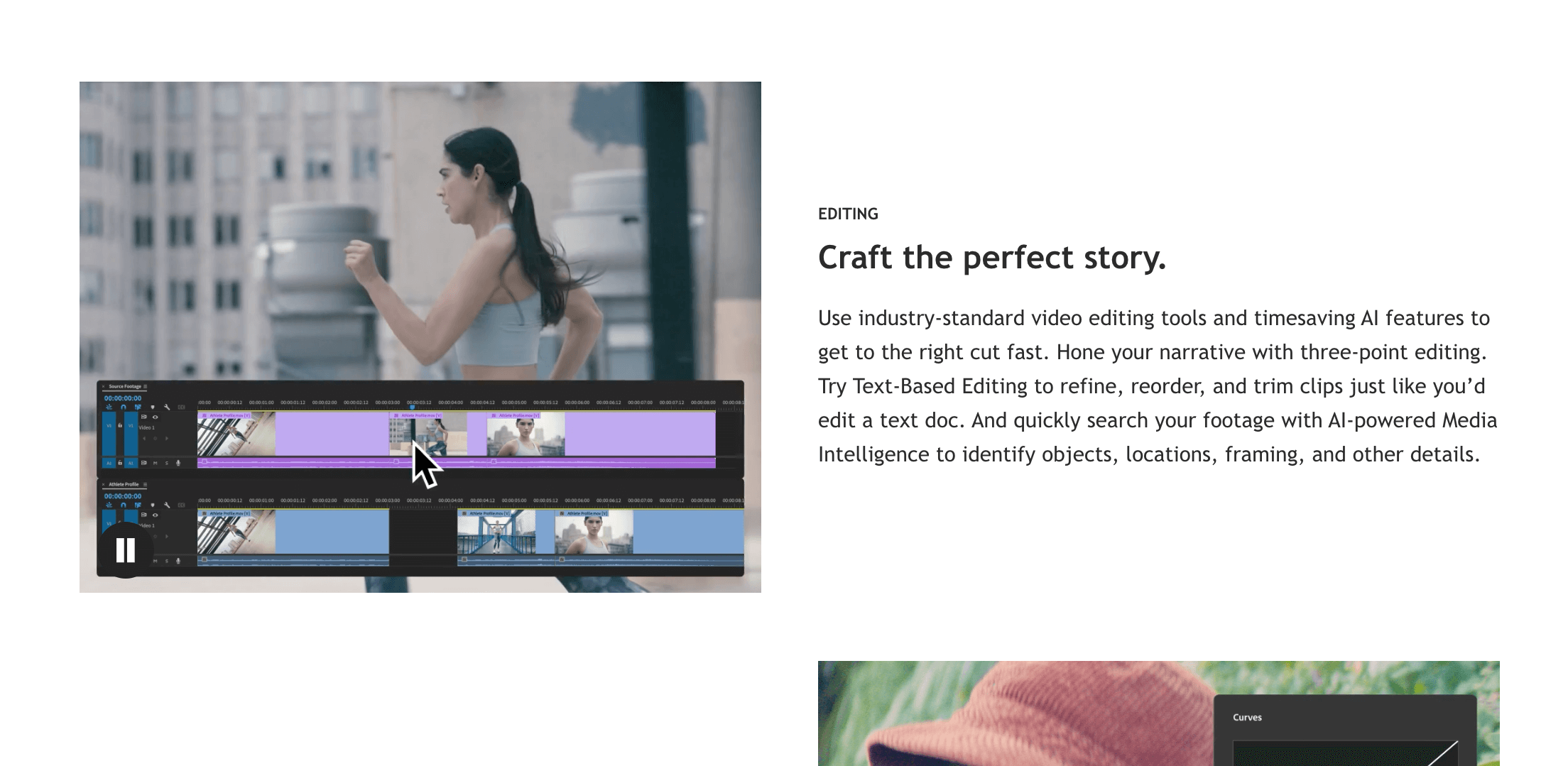
Work with industry-standard editing tools supported by powerful time-saving AI. Shape your story using classic three-point editing, or use Text-Based Editing to arrange, trim, and refine clips as easily as editing a document. Premiere’s AI-driven Media Intelligence also lets you search your footage instantly by objects, locations, shot type, and other attributes.
Dial in the exact look you want with professional-grade color correction and grading. Drop in footage from virtually any camera and immediately transform raw or log files on import — no LUTs needed. Use AI to balance color quickly, fine-tune with wheels and curve controls, and confirm accuracy with built-in scopes.
Improve sound quality with advanced audio tools. Reduce noise, enhance dialogue, and design rich audio using pro-level features. You can browse music, automatically fit it to your edit with AI, and license tracks directly inside Premiere.
Choose from hundreds of cinematic transitions and effects or start with templates you can customize to match your style. Updated shape masks in Premiere (beta) give you even more precision and control when applying detailed effects.
Design professional titles, graphics, and captions quickly using built-in templates you can tailor to your video. And when you’re ready for global audiences, automatically translate captions into 18 different languages — all within Premiere.
Key Features
- Pro video editing tools
- AI auto color and audio fix
- Multi-track timeline
- Wide effects and transitions
- Fast render and export options
Use Cases
- Edit videos for YouTube
- Make ads and promo clips
- Cut and arrange footage
- Fix color and sound issues
- Create professional video projects
Other Tools in Video Editing
Need to update this tool?
If you're the owner of this tool or found incorrect information, contact us to make changes.
Contact Us