Adobe Podcast
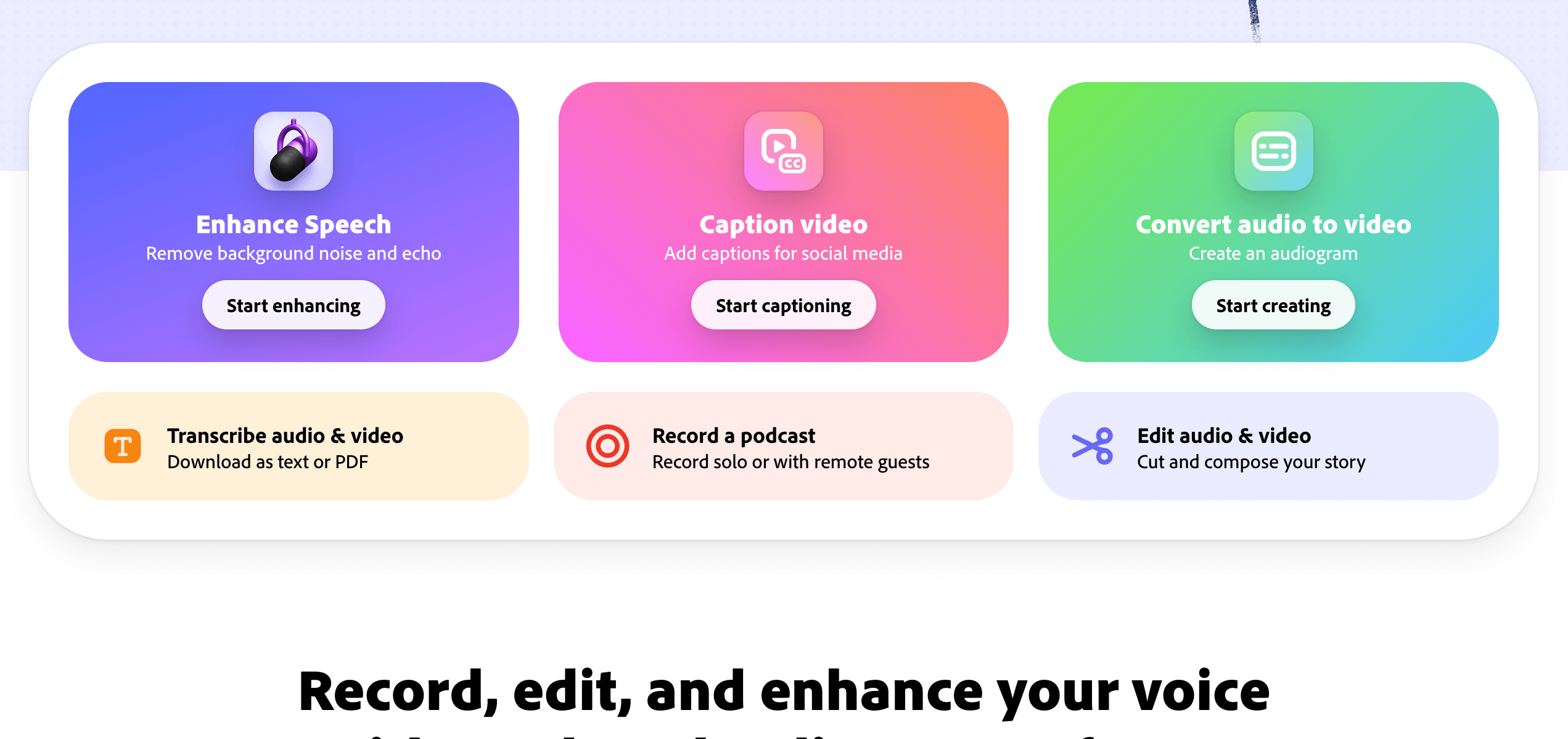
Adobe Podcast makes it easy to create professional-quality podcasts and voiceovers, no studio required. Focus on telling your story — Adobe’s intelligent audio tools take care of making it sound polished and production-ready.
With Adobe Podcast AI, you can achieve studio-quality sound using your existing setup. The Mic Check feature helps you optimize your microphone and recording environment before you start, ensuring the clearest possible audio every time.
Editing is simple and intuitive with Adobe Podcast Studio. Your recordings are automatically transcribed using the same advanced technology as Adobe Premiere Pro, allowing you to cut, copy, and rearrange audio just like editing a text document.
Record high-quality audio on your own or with remote guests, and capture each participant on a separate track in crystal-clear 16-bit 48k WAV — even if someone’s internet connection drops.
Every great podcast deserves great sound. Enhance your episodes with ready-to-use intros, outros, transitions, and background music from Adobe’s curated sound collections.
With Adobe Podcast, you can produce professional, engaging audio content effortlessly — from recording to editing to publishing.
Key Features
- AI audio cleanup tool
- Auto background noise remove
- Voice clarity and tone boost
- Simple edit and trim options
- Fast export for sharing
Use Cases
- Record and edit podcasts
- Clean up voice audio
- Improve sound quality for videos
- Create clear interviews
- Share polished podcasts online
Other Tools in Podcasting
Need to update this tool?
If you're the owner of this tool or found incorrect information, contact us to make changes.
Contact Us