Otter AI
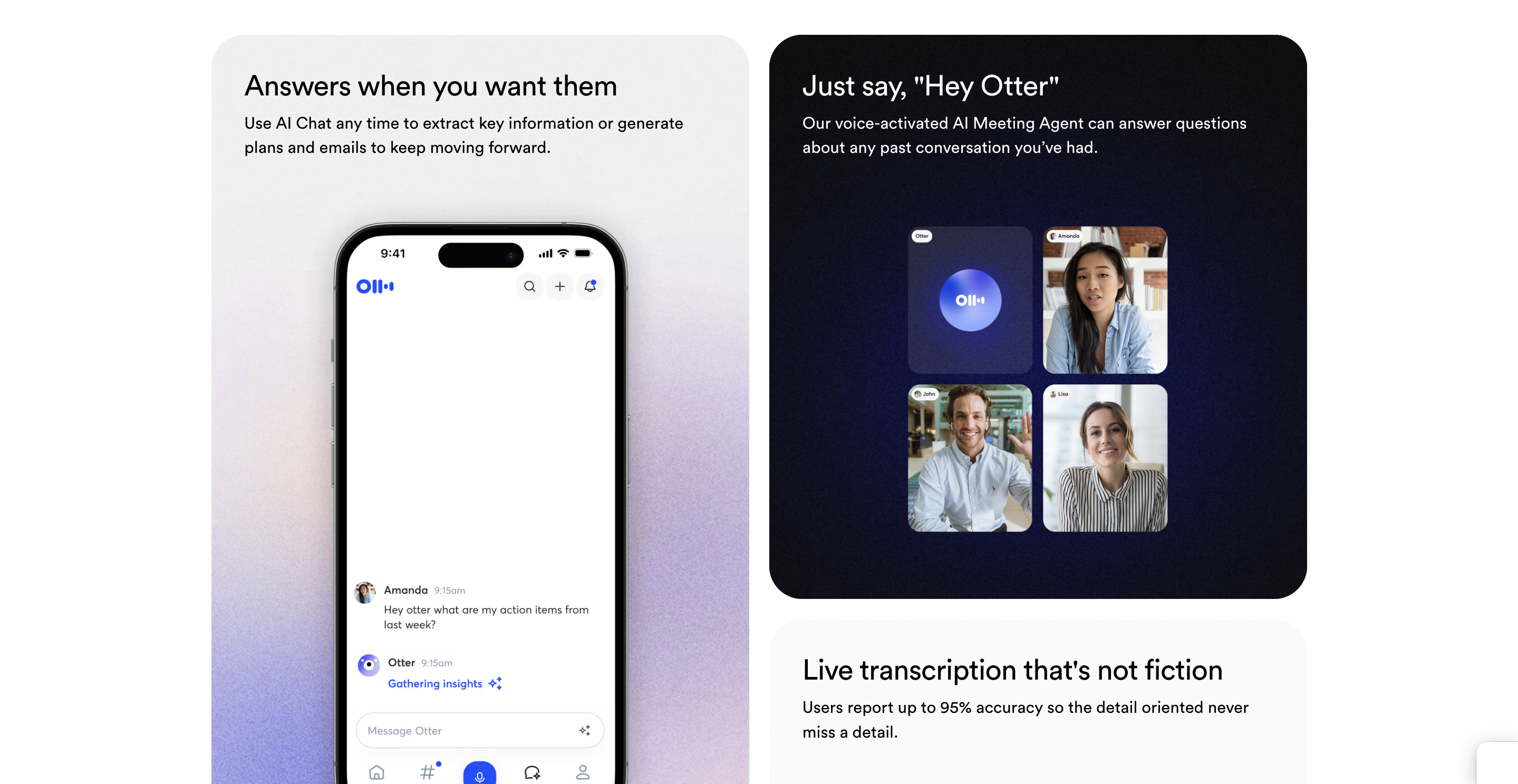
Get real-time transcripts, automatic summaries, action items, and smart templates — plus a chat tool that can pull answers from your past meetings. It helps you stay organized and keep work moving without digging through notes. You can use the chat feature anytime to pull key points, create follow-up plans, or draft emails in seconds. A voice-activated meeting assistant can also answer questions about any previous discussion, making it easy to track details. Many users report accuracy as high as 95%, ensuring nothing important gets lost. No matter how long the meeting runs, it will be turned into a short, clear summary that’s easy to review.
Key Features
- Real-time voice transcription
- AI-powered meeting summaries
- Speaker identification
- Integration with meeting apps
- Searchable and shareable transcripts
Use Cases
- Recording meetings or lectures
- Creating meeting notes
- Sharing transcripts with teams
- Tracking discussions
- Improving collaboration and productivity
Other Tools in AI Assistants
Need to update this tool?
If you're the owner of this tool or found incorrect information, contact us to make changes.
Contact Us